 Mohammad Kaleem
When someone in Delhi has a toothache, a skin problem or a child with fever, the first thing they do is pick up their phone and search — "dentist near me", "skin specialist in Rajouri Garden", "best paediatrician in Dwarka". Within a few seconds they decide which clinic to call. If your clinic does not show up, or your website looks outdated and confusing, that patient goes to the next doctor on the list.
As a freelance website designer in Delhi, I build websites for doctors and clinics that are simple for patients to use, fast on mobile and set up to appear on Google. In this guide I will explain why your clinic needs its own website, what features it must have, and how to get patients to book through it.
Why Doctors and Clinics in Delhi Need Their Own Website
1. Patients search online before they visit
Most new patients today look up a doctor online before booking. They check your qualifications, timings, location, fees and reviews. A professional website answers all of these questions in one place and makes the decision easy.
2. Listing apps are not enough
Practo, Justdial and Google listings are useful, but on those platforms you appear next to many other doctors, the design is not yours and you do not control how patients reach you. Your own website is the one place where patients see only your clinic and contact only you.
3. Trust matters more in healthcare
Patients are trusting you with their health. A clean, professional website with your real photos, degrees, experience and clinic address builds that trust before the first visit.
4. Fewer phone calls for basic questions
When your timings, services, fees and directions are clearly listed online, your reception staff spend less time answering the same questions again and again.
Must-Have Features of a Doctor or Clinic Website
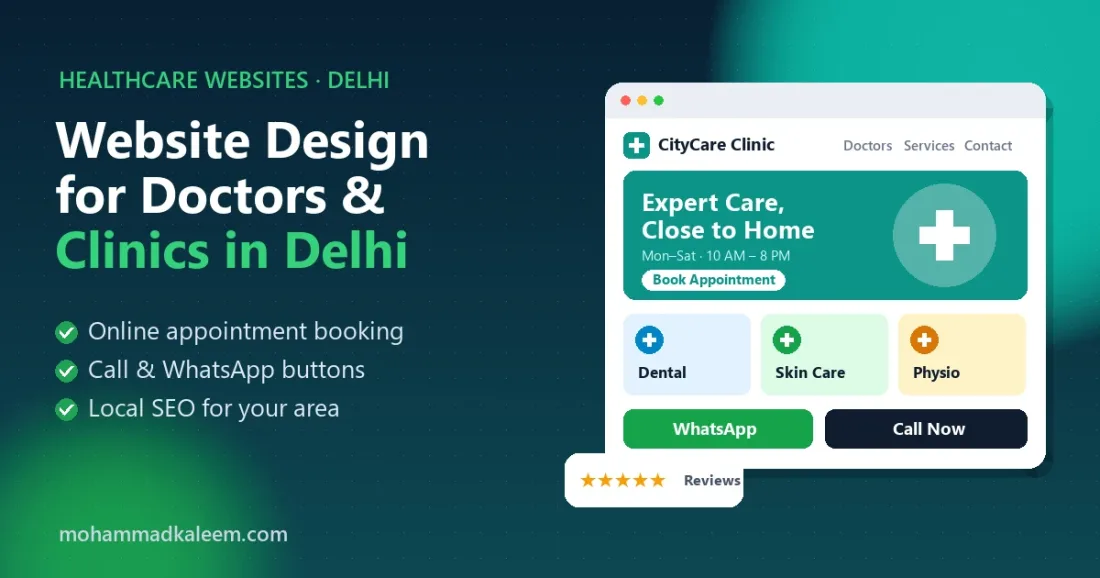
Online appointment booking
Let patients request an appointment in a few taps — with their name, phone number, preferred date and the doctor or service they need. Every request should reach you instantly on email and WhatsApp.
Click-to-call and WhatsApp buttons
Many patients would rather call or message than fill a form. Large Call and WhatsApp buttons on every page, especially on mobile, bring in more appointments.
Doctor profiles
Show each doctor's photo, qualifications, specialisation, years of experience and registration details. Patients like to know who they will meet.
Services and treatments pages
Create a separate page for each main service — for example root canal treatment, dental implants, acne treatment, physiotherapy for back pain or child vaccination. These pages help patients understand the treatment and also help your clinic rank on Google for those searches.
Clinic timings, location and map
Clear OPD timings, Sunday or holiday timings, your full address, nearby landmark, parking information and a Google Map so patients can find you without calling.
Patient reviews and testimonials
Real reviews from real patients build confidence. Your website can show your Google reviews and written testimonials (with the patient's permission).
Photos of your clinic
Photos of your reception, consultation room and equipment show patients a clean, well-run clinic and make the first visit less stressful.
Health blog
Short, simple articles that answer common patient questions — written or approved by the doctor — help patients and bring steady traffic from Google over time.
Mobile-friendly and fast
Most patients will open your website on a phone, often on mobile data. A slow website loses patients before it even loads.
Website Ideas for Different Types of Clinics
| Type of clinic | Important pages and features |
|---|---|
| Dental clinic | Treatment pages (RCT, implants, braces, aligners), before/after gallery, appointment booking |
| Skin & hair clinic | Treatment pages, doctor profile, consultation booking, FAQs on procedures |
| Physiotherapy centre | Conditions treated, home visit option, session packages, enquiry form |
| Paediatric clinic | Vaccination schedule, OPD timings, emergency contact, parent-friendly FAQs |
| Eye clinic | Services (cataract, LASIK, glasses), technology used, appointment booking |
| Multi-speciality clinic / diagnostic centre | Department pages, doctor list with timings, health packages, home sample collection |
How to Get Your Clinic Found on Google in Delhi
Local SEO
Patients search with their area name — "gynaecologist in Janakpuri" or "dental clinic near Karol Bagh". Your website should mention your locality clearly, have service pages for your main treatments and use correct page titles and descriptions. Local SEO helps your clinic appear in these searches.
Google Business Profile
Your Google Business Profile is what appears on Google Maps. Keep the name, address, phone and timings exactly the same as on your website, add photos, choose the right category and ask happy patients for reviews.
Google Ads for quick appointments
If you have just opened a clinic or want more patients quickly, Google Ads can show your clinic at the top of search results for selected treatments and areas — and you only pay when someone clicks.
Keep Your Medical Website Ethical and Accurate
Healthcare websites need extra care. Keep all information factual, avoid promises of guaranteed results, and follow the professional conduct guidelines that apply to doctors in India. Patient photos and testimonials should only be used with consent. A good website designer will build your site around these rules, so it promotes your clinic in a professional and responsible way.
Common Mistakes Clinic Websites Make
- No phone number or WhatsApp button visible on mobile
- Timings and address missing or outdated
- Stock photos instead of real photos of the doctor and clinic
- One single page listing all services, with no detail on any treatment
- Slow loading because of heavy images and sliders
- Appointment form that never reaches the clinic, or nobody checks
How Much Does a Clinic Website Cost?
A simple clinic website with your profile, services, timings, map and contact form can be built on a small budget, while a larger clinic or hospital website with multiple doctors, departments, online booking and an admin panel takes more work. A business website with an admin panel starts at ₹15,000. You can see a detailed price breakdown in my guide on website design cost in Delhi.
Why Work With a Freelance Website Designer for Your Clinic?
Doctors are busy. You do not have time to explain your requirements to a sales person, then a project manager, then a designer. When you work with me, you deal with one person from the first call until your website is live — and I handle the design, development, mobile optimisation and basic SEO for you. You can see some of my work on the portfolio page.
Get a Website for Your Clinic
Whether you run a dental clinic, skin clinic, physiotherapy centre or a multi-speciality practice anywhere in Delhi NCR, I can build a website that brings in more appointments. Contact me for a free quote and let's discuss your clinic.
Frequently Asked Questions
Why does a doctor need a website if the clinic is already on Practo or Google?
Listing apps show you next to other doctors and control how patients contact you. Your own website builds your personal brand, shows your full details and sends every appointment request directly to your clinic.
Can patients book appointments online through my clinic website?
Yes. A clinic website can have an appointment request form and WhatsApp booking, with every request sent to you instantly by email and saved in an admin panel.
Will my clinic website show on Google for searches in my area?
With local SEO, separate service pages and a well-maintained Google Business Profile, your clinic has a good chance of appearing for searches in your area over time.
How long does it take to build a clinic website?
A simple clinic website usually takes one to two weeks, depending on how quickly the content, doctor details and photos are ready. Larger multi-doctor websites take longer.
Can I update timings and services myself?
Yes. With an admin panel you can update timings, services, doctor details and blog posts yourself, without any coding.